
Activation of 2 FA for employees and students of TU Brunswig
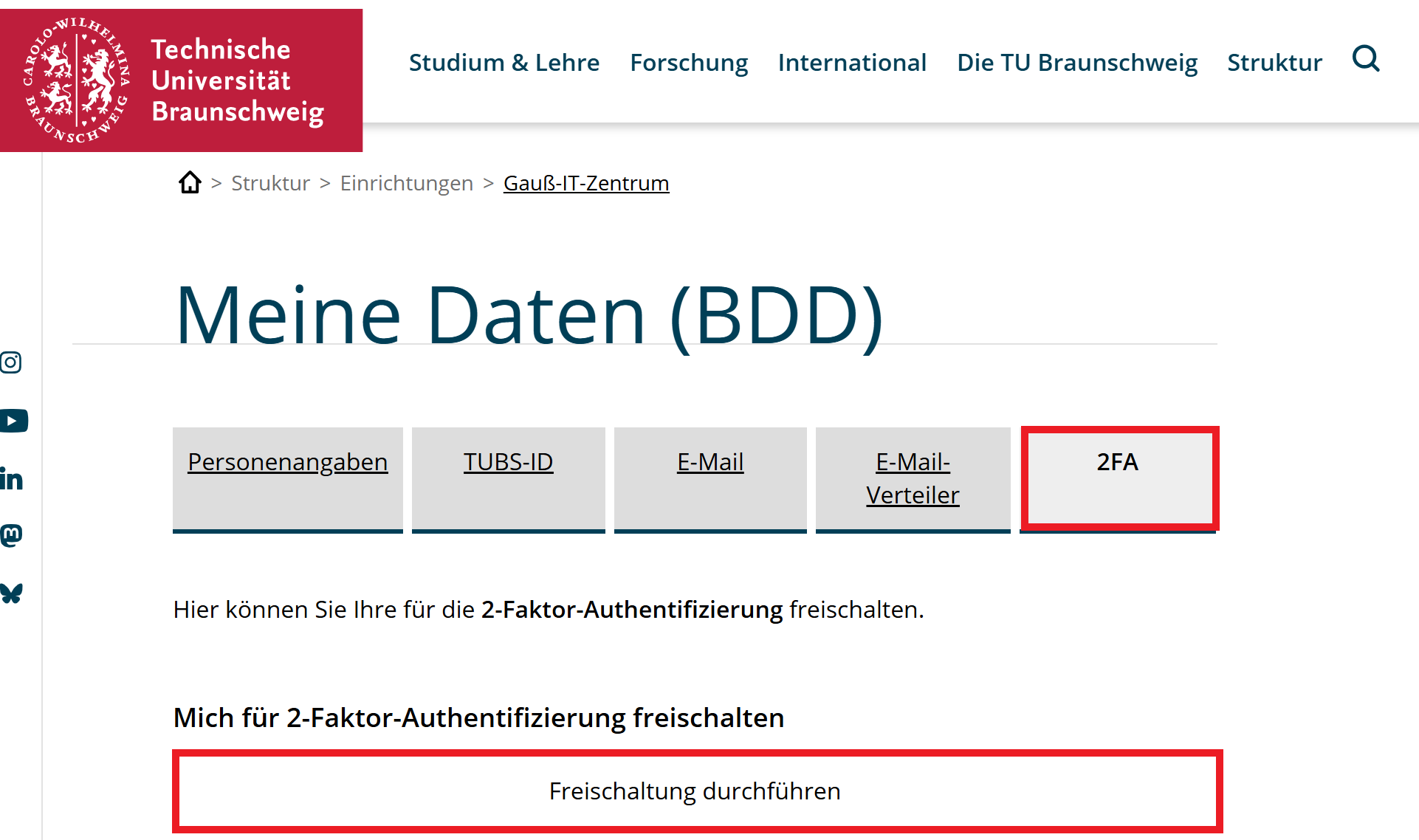
Here click the button "Freischaltung durchführen" (activation)
You have been unlocked for the second factor.
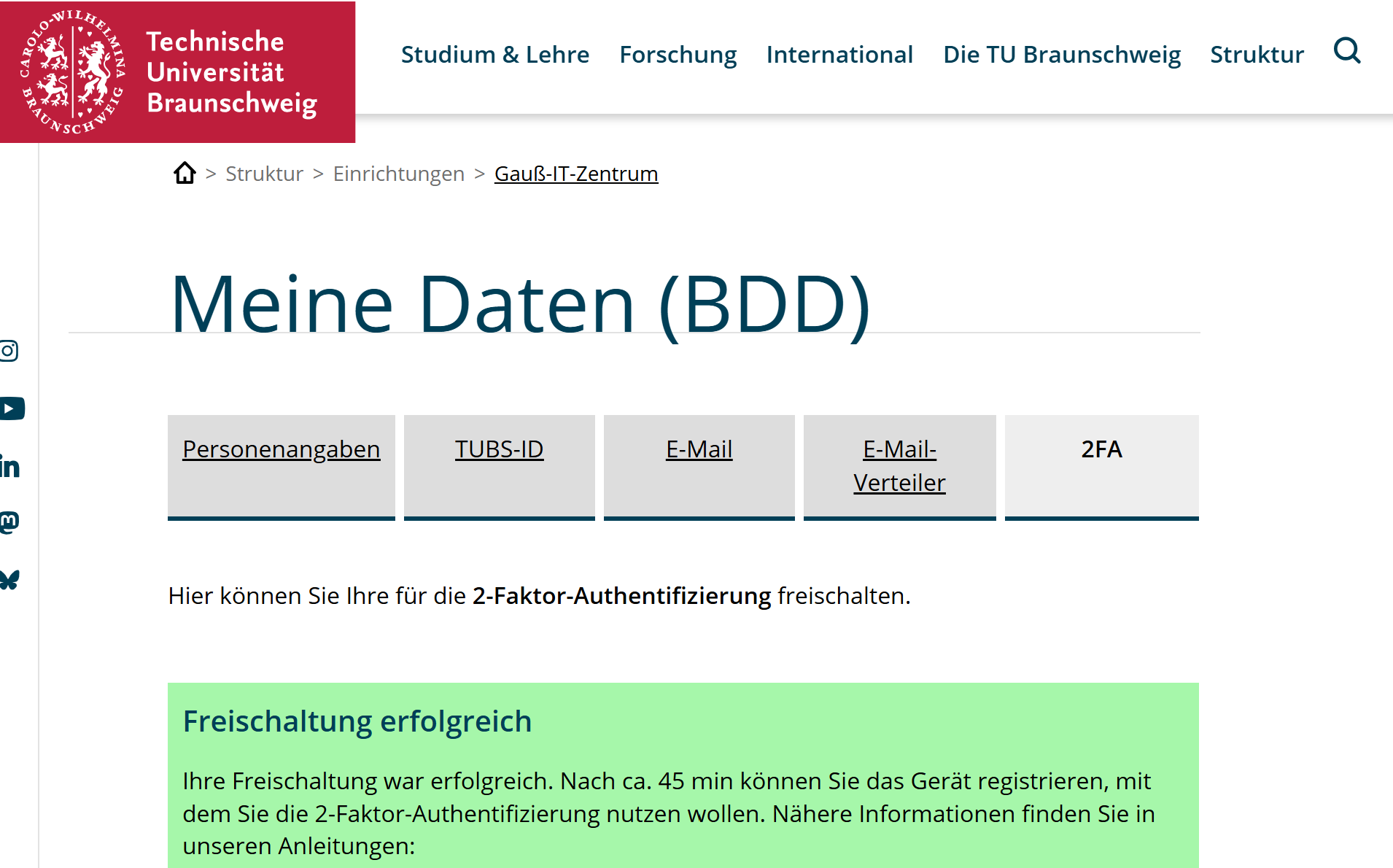
Approximately 30 to 45 minutes after activation in "Meine Daten (BDD)", an automated email will be sent to you informing you that DUO has been rolled out.
It's possible that the sent email won't arrive in the Outlook app, but can only be accessed via OWA. See the "FA einrichten" instructions.
To add your device, please follow the instructions in the email (seeor also:also Instructionsthe "FAother einrichten").instructions in this book.
Currently, two-factor authentication is active when using OWA (Outlook Web Access), VPN, and SSO. For VPN, please use the VPN gateway, vpngate.tu-braunschweig.de. If you want to use the DUO Desktop Application to login to the VPN you have to use this gateway: vpngate.tu-braunschweig.de/saml
The second factor can be generated via anthe appDUO onDesktop yourapplication, a hardware token (if applicable), or a mobile phone or the desktop application.app. If you have a centrally managed device, please email it-service-desk@tu-braunschweig.de for the desktop application, and it will be made available to you. (The DUO desktopDesktop application doesis the most practical option, as it runs in the background of your work device (which you should have with you for work or studies anyway) and is therefore always available and cannot be forgotten (unlike the token or mobile device). For this reason, we recommend using the DUO Desktop application on Windows or Mac devices for TU Braunschweig employees (the application is not currentlyyet available for Linux). For students, we recommend the DUO Mobile App for their mobile devices, as logins often occur on other devices, and the DUO Desktop application would not work because it is activated for the device and not the account. Here are the instructions for setting up the DUO Desktop application, and here are the instructions for the DUO Mobile App.
If you have a company mobile phone, you can use it as a second factor forwithout VPN;any problems, which is why you will not be provided with a differenthardware second factor is required for that.)token.
IfYou neitheralso have the option of these options is possible, you can also requestrequesting a token. PleaseTo do so, please send an email to 2fa@tu-braunschweig.de. We will add and issue these hardware tokens directly after you register.registration. Between the registrationregistering for 2FA and the issuance ofreceiving the token, no login via OWA, SSOSSO, or the VPN gateway vpngate.tu-braunschweig.de will not be possible. Furthermore, these tokens are not sustainable and you must carry them with you at all times, otherwise login is not possible. Additionally, the tokens are very environmentally harmful because they cannot be repaired, nor can the batteries be replaced. Therefore, they become electronic waste and are not recommended by us.
Other FIDO keys (e.g., YubiKeys) are also possible. ThisWe guidewill isset them up if possbile but we will not currentlyfurther designedsupport forthem settingand upneither thesewill alternatives.we explain them further in our Instructions.
Further documentation on the various procedures can be found at: https://guide.duo.com/?ljs=de