[EN] Frequently Asked Questions (FAQ)
Where do I find my videos?
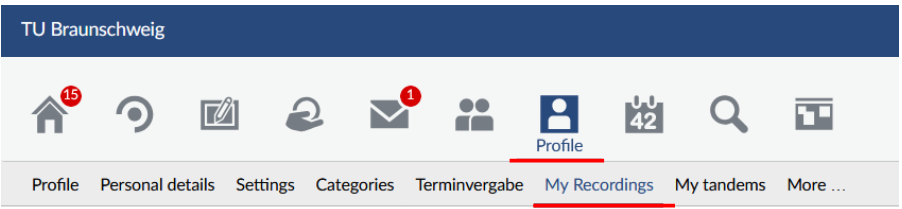
In the current version of Stud.IP, you can find your videos under "Profile > My recordings":
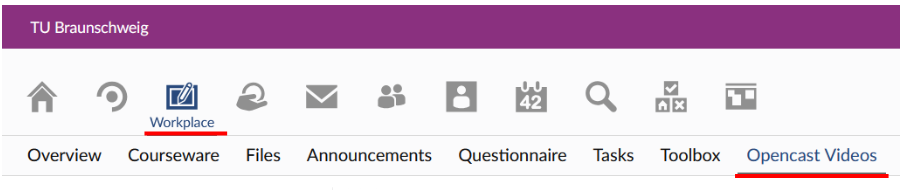
In the next version of Stud.IP, you will find your videos under "Workplace > Opencast Videos":
How can I use videos in my courses?
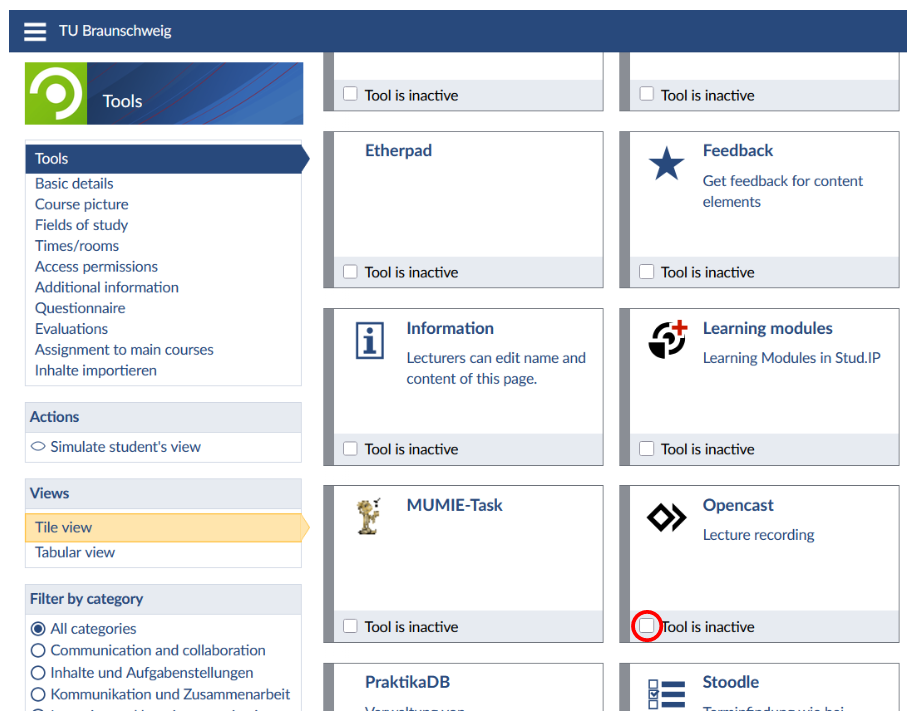
Click on "Courses" in the Stud.IP toolbar, select the course you want, and then click on "Administration". By default, the "Tools" section will then be selected:
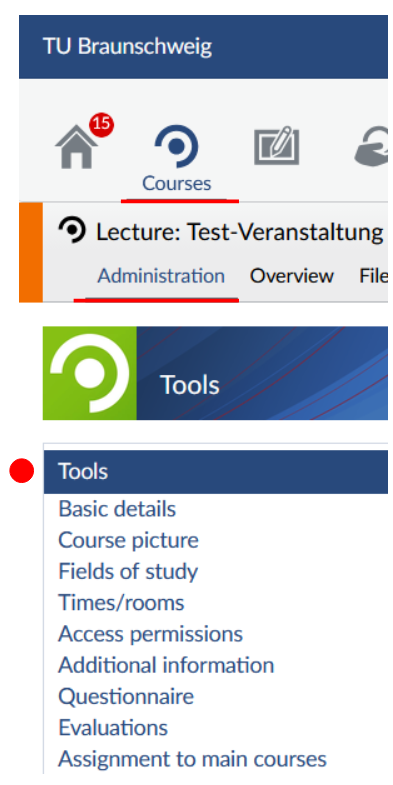
Now look for the "Opencast" tool and select it by clicking the square box:
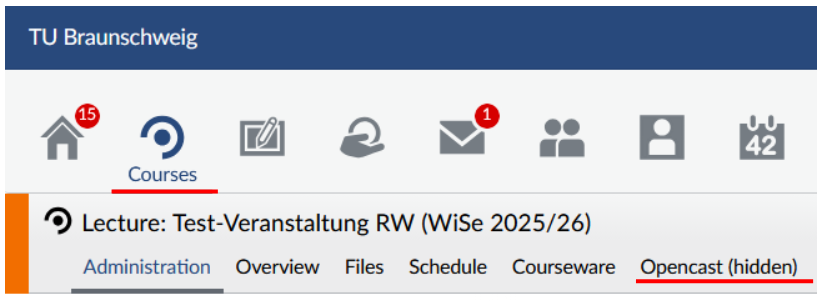
You will then see the "Opencast (hidden)" tab (current Stud.IP version) or "Opencast Videos" tab (upcoming Stud.IP version) below the course name: